



Action Hunter
For traders who prefer a more active flow of signals
 very high bot activity
 aggressive
Never traded before? That's the point. Start in Demo, let your bot scan stocks and ETFs and generate trade signals, then practice reviewing and deciding on each one with simulated funds.

Want to trade, but unsure where to start?
You don't have to know your approach upfront. Run different bots on stocks and ETFs, review the signals they bring with Stop Loss and Take Profit levels, and see which one fits. You make the call.
Match
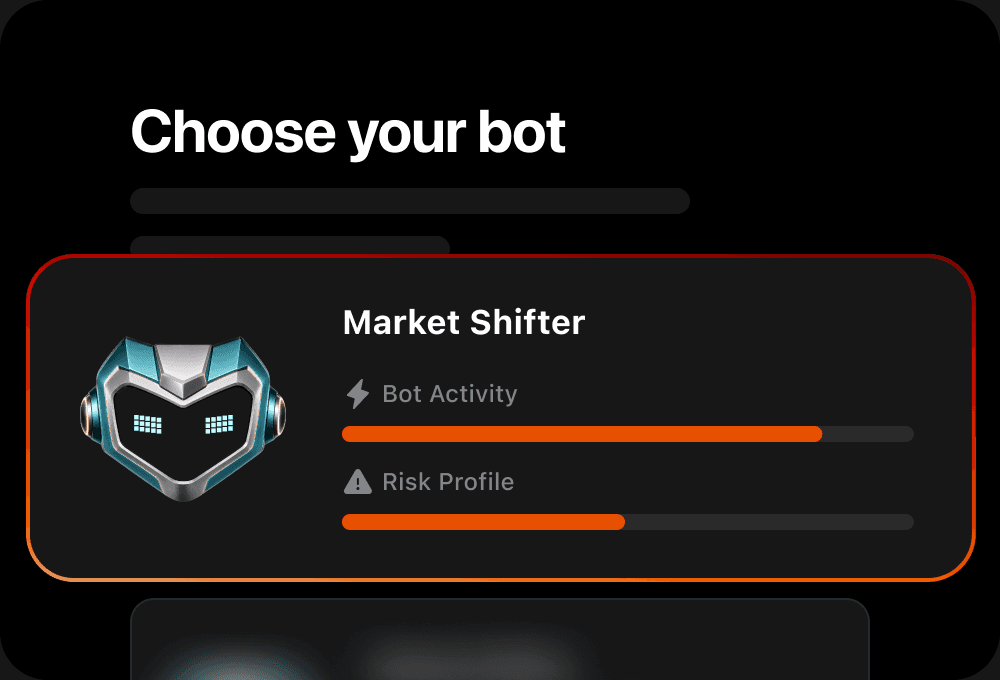
Explore bots with different risk settings and signal frequencies. Prefer a more selective approach or more frequent signals? Choose your bot, then pick up to three stocks or ETFs for it to scan for signals.
Deploy
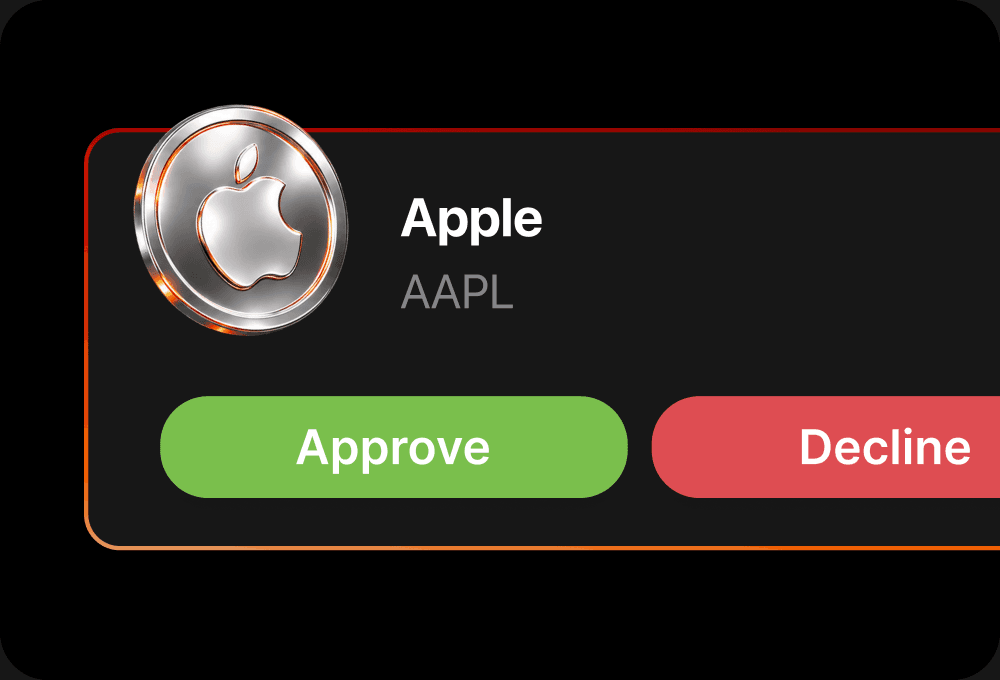
Activate one bot at a time to scan stocks and ETFs for signals. When it flags a setup, review the trade details, including Stop Loss and Take Profit levels, then choose to approve or decline.
Go live
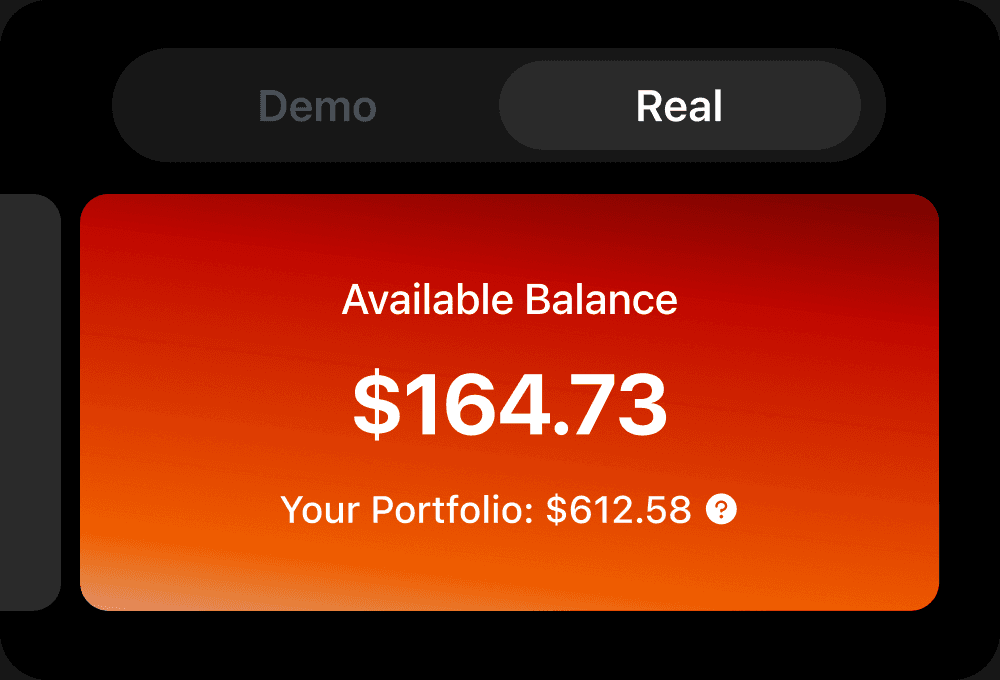
When you're ready, connect your own brokerage account. Same bot, same signals. Now your approvals become real orders. Your money stays with your broker: no transfers, no passwords, disconnect anytime.
Six bots, six approaches. Try them all in Demo.
Action Hunter
For traders who prefer a more active flow of signals
very high bot activityaggressive

Market Shifter

Balance Seeker


Momentum Rider

Market Guardian
Live market data
Follow real-time US market data, explore your bot's signals, and see how its setups play out in Demo.

Test before you go live
Run it in Demo, follow its signals, and get a feel for its approach without using real funds.

No countdown
Keep exploring signals and testing decisions for as long as you need. Move to live trading only when you feel ready.

Explore six different approaches to scanning the market and generating trade signals—then decide which one you want to try.
Here are answers to the most common questions about Monflex, so you can feel confident before getting started.

Monflex is an app where you can explore AI trading bots, review the signals they generate for stocks and ETFs, and practice making trading decisions in Demo with simulated funds. If you connect a supported brokerage account, orders based on signals you approve can be submitted to your broker, including orders to open and close positions.
No. You can start in Demo, explore your bot’s signals, and learn how its approach works as you go.
No. You can start in Demo with simulated funds. If you later decide to trade live, you’ll need to open and connect a supported brokerage account and deposit funds into that account. Your money stays with your broker.
Choose a bot and up to three stocks or ETFs for it to scan. The bot analyzes market data and generates signals when its predefined conditions are met. In Demo, you can approve or decline signals using simulated funds. If you connect and fund a supported brokerage account, signals you approve can be submitted as live orders using funds held with your broker.
Need more guidance?
Explore our full FAQ page.
See it in action. Follow its signals as the real market moves, without using real funds.


